Your AP Coordinator Types Numbers That Already Exist
By Lucy, CEO at Voyant AI
Invoice processing eats hours your accounting team doesn't have. Here's how AI invoice automation eliminates the manual work and speeds up payment cycles.
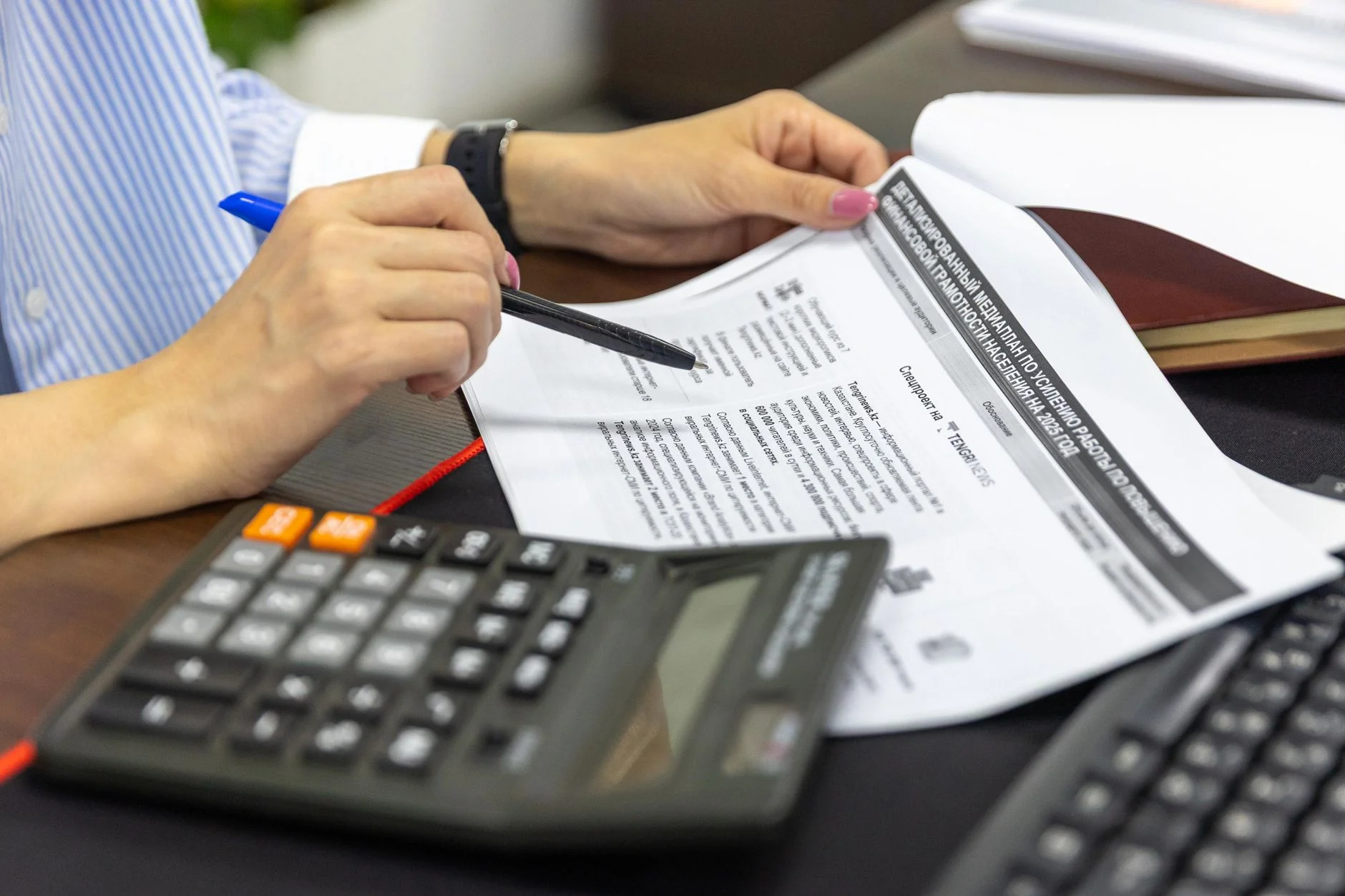
AI Invoice Processing Automation That Works
Your accounts payable coordinator spends a significant portion of every week opening invoices, reading line items, typing numbers into your accounting system, chasing down approvals, and fixing mismatches. That work is expensive, slow, and completely automatable. AI invoice processing automation connects your incoming invoices to your accounting and ERP systems, extracts the data, routes approvals, and flags exceptions without anyone touching a keyboard.
The Real Cost of Manual Invoice Processing
The accounts payable coordinator at a regional mechanical contractor handles around 200 invoices per month. That number sounds manageable until you account for what actually happens to each one.
An invoice arrives by email. She opens it, identifies the vendor, pulls up the corresponding purchase order, verifies the line items match, keys the amounts into the ERP, routes it to the project manager for approval, follows up three days later when the approval hasn't come through, then posts it once everything clears. If there's a discrepancy, she contacts the vendor, waits for a corrected invoice, and starts over.
At five to eight minutes per invoice on a clean match, and fifteen to thirty minutes when something is wrong, that's twelve to twenty-five hours per month on invoice intake alone. For a company running on tight margins with a small administrative team, those hours represent real money and real delay.
And the delay matters. Vendors who don't get paid on time pull back capacity, add surcharges, or deprioritize your jobs. Early payment discounts go uncaptured. Cash flow visibility lags by days or weeks because invoices sit in someone's inbox waiting to be processed.
This is exactly the kind of work that a well-built AI system eliminates.
What AI Invoice Processing Actually Does
A custom AI invoice processing system doesn't just scan documents and extract numbers. It works as an active part of your accounts payable workflow, connected to the systems you already use.
Here's what the system does in practice:
Ingests invoices from multiple sources. Invoices arrive by email, through a vendor portal, as PDF attachments, or as scanned documents. The AI system monitors incoming channels, captures each invoice, and begins processing without anyone sorting through an inbox.
Extracts structured data from unstructured documents. Vendor name, invoice number, invoice date, due date, line item descriptions, quantities, unit costs, totals, tax amounts, payment terms. Even when vendor invoice formats change from month to month, the AI extracts the right fields reliably. This is not simple OCR. It's document understanding that handles variation, poor scan quality, and inconsistent formatting.
Matches invoices to purchase orders and contracts. The system cross-references extracted invoice data against open purchase orders, project budgets, or blanket contracts stored in your ERP or project management platform. A three-way match that used to require manual lookups happens automatically.
Routes for approval based on your rules. If the invoice matches and falls within budget, it moves to payment. If the amount exceeds a threshold, it routes to the project manager or owner. If there's a line item mismatch, it flags the specific discrepancy and routes to whoever resolves that type of exception. Your approval rules, applied automatically.
Pushes clean data into your accounting system. Once approved, the system creates the payable entry in QuickBooks, Sage, Viewpoint, or whichever platform you run. No manual keying, no transposition errors, no duplicate entries.
Tracks status and sends reminders. Invoices waiting on approval don't fall through the cracks. The system tracks where each invoice is in the workflow and sends reminders when approvals are overdue.
Where Manual Processing Fails Most Visibly
For businesses in construction, field services, property management, and professional services, invoice volume isn't constant. It spikes at project close, at month end, during busy season. When volume doubles, a two-person AP team doesn't become a four-person team. They work longer hours, make more mistakes, and fall further behind.
The failure points that show up most often:
Duplicate payments. An invoice gets processed twice because it arrived by email and was also mailed as a paper copy. A matching system catches this before it reaches payment.
Missed early payment discounts. Net-10 terms with a two percent discount are worth money. When invoices sit in an inbox for a week before anyone processes them, those discounts expire. An automated intake system processes on arrival.
Approval bottlenecks. Project managers don't approve invoices as fast as AP coordinators would like. Without automated routing and follow-up, invoices pile up waiting for someone who is on a job site and not checking email.
Vendor data inconsistency. One vendor submits invoices with their name formatted three different ways. Manual processing means someone has to figure out which vendor record to use. An AI system normalizes vendor identification against your master vendor list.
Month-end scramble. When invoices haven't been processed consistently throughout the month, the last few days before close become a firefight. Automated processing means invoices are current within hours of arrival, not weeks.
The Outcome in Concrete Terms
Businesses that deploy AI invoice processing automation see results across a few consistent dimensions.
Processing time drops dramatically. What took five to eight minutes per invoice for a clean match takes seconds. Your AP coordinator's time shifts from data entry to exception handling and vendor relationship management. This shift in focus mirrors what we see in AI Accounts Payable Automation That Actually Works, where teams leverage freed-up capacity for higher-value work.
Approval cycles shorten. Automated routing with reminders cuts approval lag from four to seven days to one to two days for most invoices. That means vendors get paid faster and your payables stay current.
Error rates fall. Manual keying produces errors. Extracted and matched data doesn't. Duplicate payments, transposed amounts, and wrong vendor postings become rare events rather than regular occurrences.
Capacity increases without headcount. When invoice volume grows, the system handles it. A company that processed 200 invoices per month manually can handle 400 or 600 per month with the same AP team, because the manual work is gone.
Visibility improves. When invoices are processed on arrival, your payables ledger reflects reality. Cash flow projections get more accurate. Finance leadership can see what's coming due without asking someone to pull a report. Better payables visibility is part of the broader gain that AI Workflow Automation for Finance Teams delivers across the entire finance operation.
How Voyant Builds This System
Voyant doesn't sell software. Voyant builds custom AI systems designed around how your specific AP workflow operates today.
That starts with understanding your current process. Where do invoices arrive? What systems do you use for purchasing, project management, and accounting? How are approvals structured? What are the most common exceptions your team handles?
From that, Voyant designs a system that connects your actual tools, applies your actual approval rules, and extracts the fields that matter for your chart of accounts and reporting structure. This isn't a generic AP automation platform with a configuration wizard. It's a system built to fit your workflow. This kind of custom approach is particularly valuable when invoices are just one part of a larger challenge—for example, if your team is also managing manual bookkeeping tasks, AI Bookkeeping Automation for Small Business can address the broader accounting automation picture.
Integrations are built to your existing systems, whether that's QuickBooks Online, QuickBooks Desktop, Sage 100, Sage 300, Viewpoint Vista, Procore, or a combination. If your vendors submit invoices through a portal, that's included. If invoices arrive by email, by fax, or through EDI, each channel is covered.
The system goes through testing with real invoice samples from your actual vendor base before deployment. Edge cases get handled before they reach your team.
After deployment, Voyant monitors system performance and handles updates as your vendor base changes, as your systems change, or as your approval rules evolve. This is a production system, not a pilot.
For operations managers and controllers who have watched invoice processing consume hours of skilled accounting staff time every week, this is a solvable problem. The work is repetitive, rules-based, and document-driven. That is exactly the kind of work AI systems handle well.
The question isn't whether AI can process invoices. It can. The question is whether your system is built specifically for your workflow, connected to your tools, and deployed in a way that your team can rely on every day.
That's what Voyant builds.
Talk to Voyant about this system. Bring your current AP process and we'll show you exactly how an AI invoice processing system would work inside your business. Book a workflow review
Related reading: What Accounting Firms Lose to Manual Work Each Week
Ready to take the next step?
Book an AI Opportunity DiagnosticFrequently asked questions
What types of invoices can an AI processing system handle?
A well-built AI invoice processing system handles PDF invoices, scanned paper invoices, emailed attachments, and vendor portal submissions. It works across different vendor formats, meaning the system adapts when a vendor changes their invoice layout rather than requiring manual updates. Most businesses find that 85 to 95 percent of invoices process automatically, with the remainder flagged for human review.
Does AI invoice processing work with QuickBooks, Sage, or industry-specific ERP systems?
Yes. Voyant builds integrations to the accounting and ERP systems your business already uses, including QuickBooks Online, QuickBooks Desktop, Sage 100, Sage 300, Viewpoint, and others. The system pushes extracted and approved invoice data directly into your accounting platform, eliminating manual keying and the errors that come with it.
How does the system handle invoices that don't match the purchase order?
When an invoice doesn't match, the system flags the specific discrepancy, such as a quantity difference or a line item that doesn't appear on the PO, and routes it to the appropriate person based on your exception rules. That person sees exactly what's wrong rather than having to compare documents manually. Once resolved, the corrected invoice flows back through the approval process automatically.
How long does it take to deploy an AI invoice processing system?
Deployment timelines vary based on the number of integrations required and the complexity of your approval workflows, but most businesses are running a production system within four to eight weeks. Voyant includes testing with real invoice samples from your vendor base before going live, so the system handles your actual documents reliably from day one.
Will we still need an accounts payable coordinator after deploying this system?
Yes, and your coordinator will be more valuable. The system eliminates the repetitive data entry and document sorting, freeing your AP staff for vendor relationship management, exception resolution, and financial analysis. Most businesses see their AP coordinator shift from spending 70 percent of their time on manual processing to spending that time on work that requires judgment and communication.