When Your Systems Don't Talk to Each Other
By Lucy, CEO at Voyant AI
Disconnected business systems cost small and mid-sized companies thousands of hours a year. Here's how custom AI connects them without replacing anything.
When Your Systems Don't Talk to Each Other
Your operations manager shouldn't be copying data between software all day. When your business systems don't connect, someone fills the gap manually. Custom AI systems eliminate that gap by reading, routing, and moving information across your tools automatically, without replacing the systems you already run.
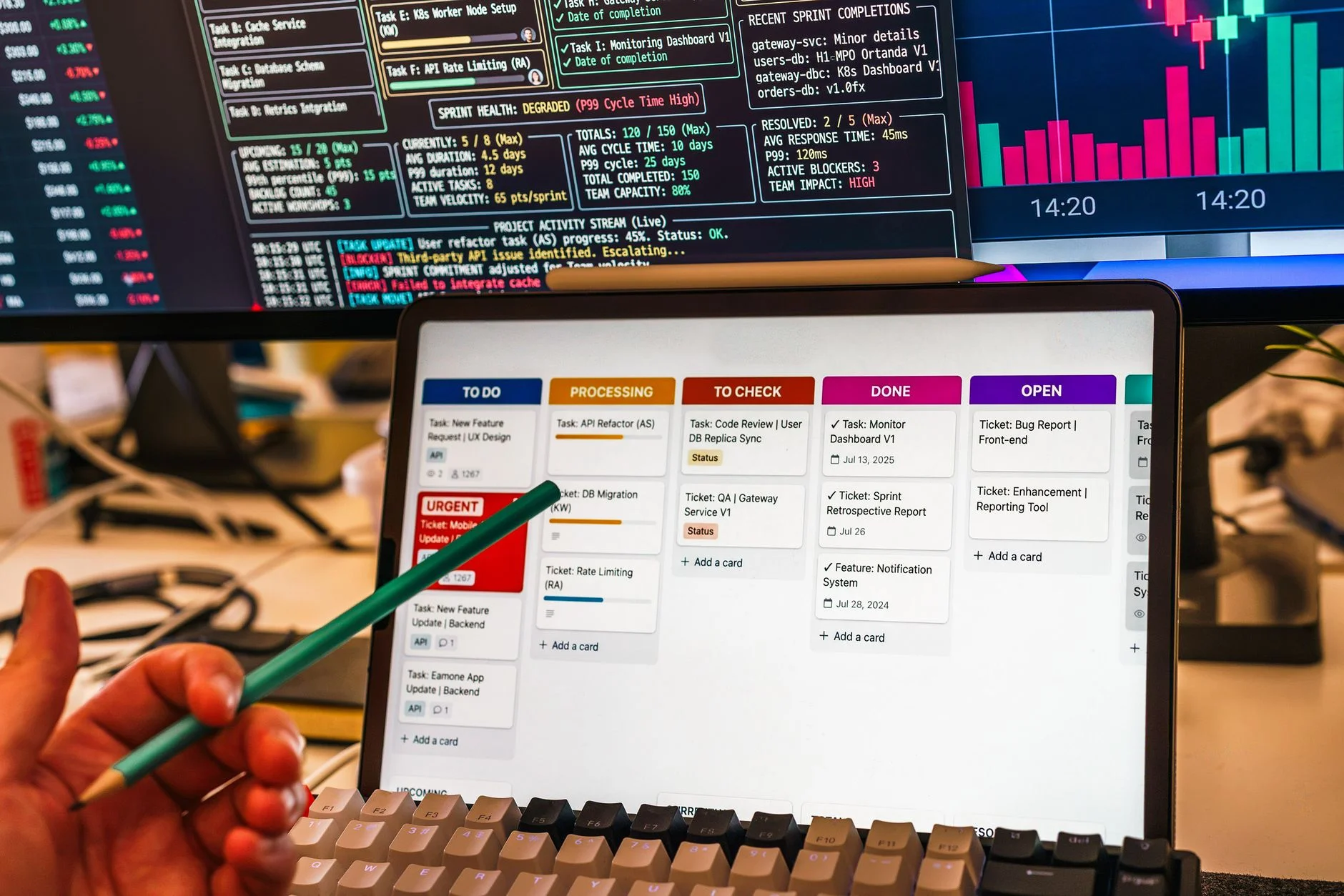
The operations manager at a mid-sized staffing firm starts every Monday the same way. She opens her applicant tracking system, cross-references it against a spreadsheet her recruiters updated Friday, checks the client portal for new job orders, and then manually updates the CRM with whatever changed over the weekend. The whole routine takes two hours. Nothing in any of those systems talks to anything else, so she is the connection layer. She has been doing this for three years.
As of October 2026, most small and mid-sized businesses are still running exactly this way. They have invested real money in software, whether a CRM, an accounting platform, a project management tool, a field service system, or a customer portal, and those systems work well in isolation. The problem is the white space between them. Every handoff between systems becomes a manual task. Every manual task becomes a potential error. Every error becomes a cost that nobody ever puts a number on.
This is what it actually means to need to connect business systems with AI. Not a platform migration. Not a tech overhaul. A system that reads what is happening in your existing tools, understands what it means, and moves the right information to the right place without waiting for a person to do it.
The Hidden Cost of Being the Integration Layer
Most business owners underestimate how much this problem actually costs. When you add up the time your team spends moving data between systems, reformatting reports for different audiences, chasing down information that should already be visible, and correcting errors caused by manual entry, the number is usually shocking. In fact, what manual data entry actually costs your business often exceeds what leadership initially expects.
A property management company with 800 units might have maintenance requests coming in through a tenant portal, work orders going out through a field service app, invoices landing in QuickBooks, and job status living in a shared spreadsheet. Nobody designed that workflow intentionally. It grew. And now two or three people spend a meaningful portion of their week keeping it functional.
The same pattern shows up in construction, in accounting firms, in insurance agencies, in legal offices. The software exists. The data exists. But someone has to physically touch it to move it from one place to another.
That someone is usually your best people still doing the worst work — your most experienced, highest-paid person doing work that requires no judgment whatsoever.
What a Custom AI System Actually Does Here
The phrase "connect business systems with AI" gets used loosely, so it is worth being specific about what that actually means in practice.
A custom AI system built to solve this problem does several things. First, it monitors your existing systems for events that matter, whether a new form submission, a status change, an invoice that hits a certain threshold, or a record that gets updated. Second, it reads and interprets that information in context, not just field-by-field, but with enough understanding to know what it means for downstream steps. Third, it takes action: routing a task, updating a record, generating a draft document, sending a notification, or flagging an exception for a human to review.
This is not the same as a basic Zapier automation that moves a field from one app to another. A custom AI system handles variability. When a document comes in with inconsistent formatting, it still extracts the right data. When an exception occurs that falls outside the normal pattern, it surfaces that exception rather than silently failing. When a step requires judgment, it prepares the information a human needs to decide quickly rather than making the decision autonomously.
The result is a system that closes the gap between your tools without requiring you to replace any of them.
Where This Matters Most by Industry
The specifics vary by business type, but the pattern is consistent.
In construction, project managers pull cost data from accounting, schedule data from project management software, and subcontractor updates from email and text messages. None of it connects automatically. A custom AI system can monitor all three sources, detect when costs are trending past budget, and generate a summary for the project executive before the weekly call, without anyone compiling it manually.
In professional services, client intake forms, project tracking tools, billing systems, and CRMs rarely share data automatically. A new client engagement might require manual entry into three or four systems before work can even begin. A connected AI system handles the data movement and flags anything that requires a human decision.
In property management, maintenance workflows involve residents, vendors, internal staff, and accounting. Information moves through email, phone calls, portals, and spreadsheets. A custom AI system built for property management operations routes work orders, updates status across systems, and notifies the right people at the right time without anyone acting as the message relay.
In accounting, data from client systems needs to move into the firm's own platform, get categorized, flagged for review, and organized for reporting. Doing that manually across a client base of 50 or 100 companies consumes associate time that should be spent on analysis, not data entry.
The industry differs. The problem is the same.
Why Off-the-Shelf Integrations Fall Short
Most software platforms advertise native integrations. QuickBooks connects to this. Salesforce connects to that. Your project management tool has an API.
But native integrations are built for the average use case. They move specific fields between specific systems in specific ways. They break when your data is messy. They cannot handle documents that need to be read and interpreted. They cannot make routing decisions based on content. They cannot detect anomalies or flag exceptions.
And critically, they cannot connect systems that were never designed to work together, which is the situation most established businesses are actually in. You did not choose your tech stack as a coherent system. You added tools over time as problems came up. The result is a collection of software that each does its job and nothing more.
Custom AI systems are built for that reality. They work with what you have, handle the variation and messiness of real business data, and do the kind of contextual work that no standard integration can perform. The document arrives, and then the real work starts — but with AI-powered automation, that work happens automatically across your connected systems.
Voyant's approach to business workflow automation starts with mapping the actual handoffs in your operation, identifying where the manual work happens, and building a system that eliminates it without disrupting the tools your team already knows how to use.
What Voyant Builds and How It Gets Deployed
Voyant designs and builds custom AI systems for established small and mid-sized businesses. The process starts with a workflow review, not a technology audit. The goal is to understand where data moves, where it gets stuck, and what it would mean operationally if those gaps were closed.
From there, Voyant builds a system that integrates with your existing tools using their APIs, document processing capabilities, and workflow logic. The system is tested against real data before it goes live. Your team does not need to learn a new platform. The AI operates in the background, moving information, flagging exceptions, and generating outputs that show up in the systems your people already use.
Deployment typically happens in stages. A single workflow gets automated first, tested until it is reliable, and then expanded. Most businesses see meaningful time savings within the first few weeks of deployment.
The operations manager who spent two hours every Monday syncing her systems manually now has a report waiting in her inbox when she arrives. The data moved overnight. Nothing was missed. She spends those two hours on work that actually requires her judgment.
That is the outcome. Not a technology story. A work story.
The Question Worth Asking Right Now
If someone on your team is spending meaningful time every week moving information between systems, copying data from one tool to another, or acting as the human bridge between software that should talk automatically, that is a solvable problem.
It is not a technology problem. It is an operations problem with a technology solution. And the solution does not require replacing the systems you already rely on.
The question is not whether AI can connect your business systems. It can. The question is which workflow you want to fix first.
Ready to take the next step?
Book an AI Opportunity DiagnosticFrequently asked questions
Do we have to replace our existing software to connect our systems with AI?
No. Custom AI systems are built to work with the tools you already use, whether that is QuickBooks, Salesforce, a project management platform, or an industry-specific system. Voyant builds integrations that connect your existing software rather than replacing it. The goal is to close the gaps between your tools, not to start over.
How is a custom AI system different from a standard integration like Zapier?
Standard integrations move fixed data fields between systems in predictable ways. They struggle with variable formats, documents that need to be read and interpreted, and workflows that require contextual decisions. Custom AI systems handle messiness, extract meaning from unstructured data, make routing decisions based on content, and flag exceptions for human review rather than silently failing.
How long does it take to build and deploy a connected AI system?
It depends on the complexity of the workflow, but most businesses see a working system for their first target workflow within four to eight weeks. Voyant tests against real data before deployment and typically starts with a single high-impact workflow rather than trying to automate everything at once. That approach keeps risk low and delivers measurable results quickly.
Which workflows benefit most from connecting business systems with AI?
The highest-value targets are workflows where the same data needs to appear in multiple systems, where someone is manually copying or reformatting information on a recurring basis, or where delays in data movement cause downstream problems like missed follow-ups, late invoices, or scheduling errors. Operations, client intake, project reporting, and billing workflows are common starting points.
What does Voyant need from us to get started?
A workflow review starts with a conversation about where your manual work actually happens. You do not need to produce technical documentation or system diagrams in advance. Voyant maps the workflow, identifies the integration points, and scopes a system from there. The starting point is describing the problem, not specifying a solution.